
Algemene productpaspoorten
Digitale productpaspoorten voor meubels en meer.
Breng productgegevens, fabrikantgegevens en recyclinginstructies samen in het digitaal productpaspoort dat de verordening ecologisch ontwerp voor duurzame producten (ESPR) per productgroep gaat voorschrijven. Begin met de informatie die u al heeft.
Voor merken, fabrikanten en importeurs die meubels, elektronica en andere producten op de EU-markt verkopen.
- Een openbare pagina per product
- QR-code en deelbare link
- Spreadsheets, API en AI-tools
Van product naar paspoort
Geef klanten inzicht in uw product.
Op een etiket past maar weinig. Een productpaspoort biedt een plek voor de productinformatie die u wilt delen.
- 01
Maak duidelijk om welk product het gaat
Bewaar de naam, beschrijving en fabrikantgegevens bij elkaar.
- 02
Maak nuttige instructies makkelijk vindbaar
Deel instructies voor recycling en afvalverwerking, plus links naar informatie over demontage of terugname.
- 03
Houd de informatie actueel
Werk de productinformatie bij in de editor. Opgeslagen wijzigingen verschijnen in het gepubliceerde paspoort.
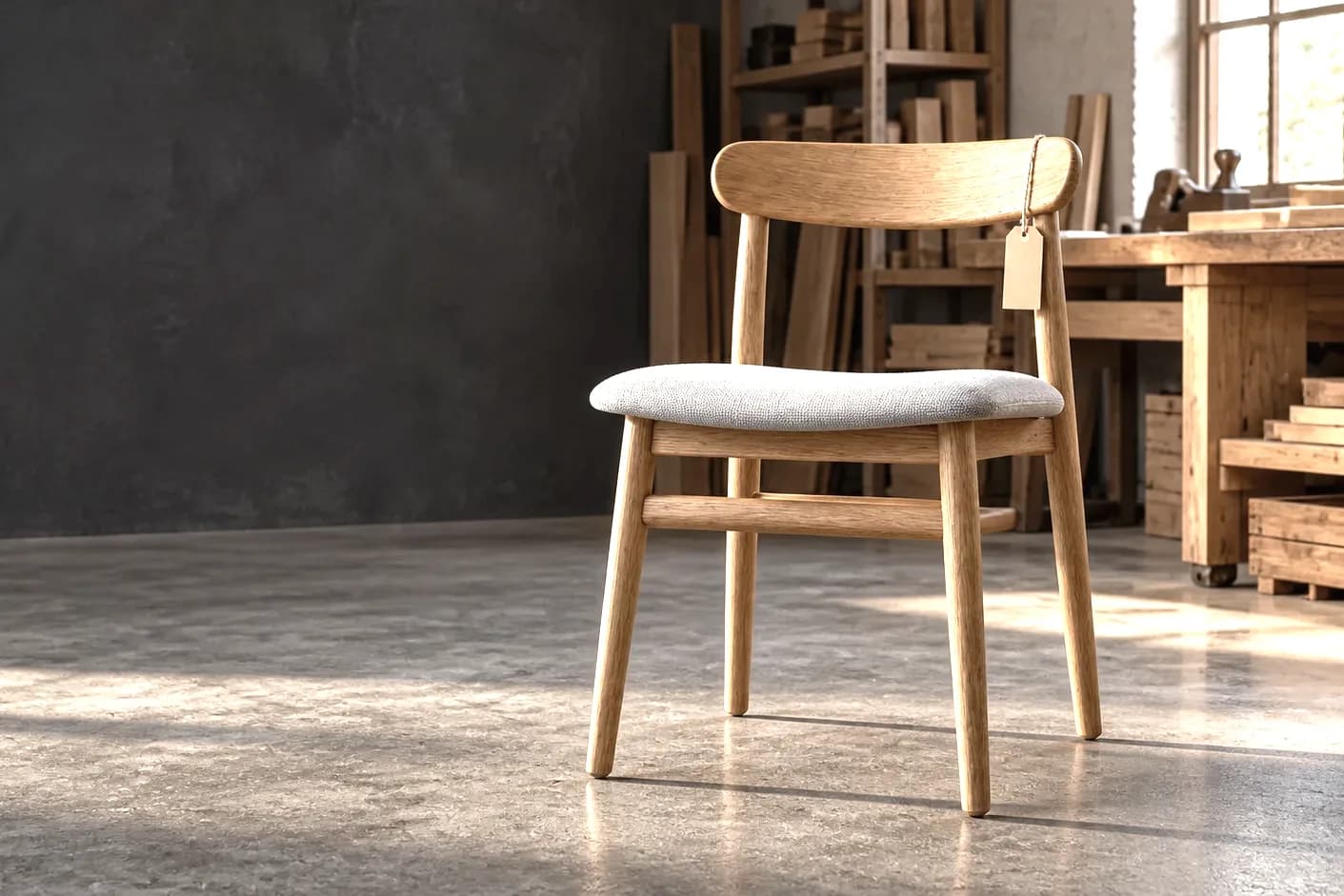

Meubels
Eiken eetkamerstoel
VoorbeeldwerkplaatsDenemarken
Recyclinginstructies
Maak de gestoffeerde zitting los van het houten frame. Volg voor elk materiaal de lokale inzamelinstructies.
Fictief productvoorbeeld
Uw productinformatie
Weet wat u nodig heeft voordat u publiceert.
De editor laat zien welke informatie nodig is om in PassportCraft te publiceren. Aanvullende gegevens hebben een eigen plek in duidelijk benoemde onderdelen.
Begin met de basisgegevens
- Productnaam en beschrijving
- GTIN — het nummer op uw productbarcode
- Naam, adres en land van de fabrikant
- Een verklaring over zorgwekkende stoffen
Sla een concept op terwijl u de gegevens verzamelt. Om te publiceren heeft u een geldige GTIN nodig.
Maak uw paspoort nog bruikbaarder
- Koolstofvoetafdruk en gehalte aan gerecycled materiaal
- Instructies voor recycling en afvalverwerking
- Onderbouwende documenten en conformiteitsinformatie
- Links voor demontage en terugname
De wettelijke eisen voor uw product kunnen verder gaan dan deze velden. Controleer welke regels op uw product van toepassing zijn.
Voeg uw productgegevens toeVan concept naar openbare pagina
Aanmaken, controleren en publiceren.
- 01
Voeg uw productinformatie toe
Voer de gegevens in de editor in of importeer een spreadsheet. Bewaar bijbehorende bestanden bij het paspoort.
- 02
Controleer wat nog aandacht vraagt
Controleer ontbrekende velden en validatiemeldingen voordat u het paspoort openbaar maakt.
- 03
Publiceer en deel
Publiceer het paspoort, download de QR-code en voeg de link toe aan uw productlabel, verpakking of website.
Import en koppelingen
Maak paspoorten met uw bestaande tools.
Importeer een CSV-bestand, koppel uw systemen of maak een concept met uw assistent. Controleer het in PassportCraft voordat u publiceert.
Beschikbaarheid, limieten en opslag van gegevens
De CSV-import van PassportCraft verwerkt tot 10.000 rijen per bestand. De REST-API geeft testsleutels op elk abonnement en live sleutels vanaf Pro. De assistentkoppeling staat in het officiële MCP-register, zodat Claude, ChatGPT of Cursor paspoorten kunnen lezen en opstellen; publiceren kan de koppeling niet. De paspoortgegevens staan in de EU, in Ierland.
PassportCraft neemt deel aan de CIRPASS-2 Community of Practice.
Maak een productpaspoortKoppel uw assistent
Werkt met uw AI-tools
Maak en bewerk conceptpaspoorten in ChatGPT, Claude of een andere ondersteunde assistent. U controleert en publiceert ze in PassportCraft.
- Claude
- ChatGPT
- Cursor
- Windsurf
- GitHub Copilot
- Claude Code
- Gemini CLI
- VS Code
Van spreadsheet naar paspoort
CSV-import · tot 10.000 rijen per bestand
Uw systemen, gekoppeld
REST-API · testen op elk abonnement, live sleutels vanaf Pro
API-documentatie
Voorbereiden op de ESPR
De eisen hangen af van uw product.
De verplichting voor een digitaal productpaspoort wordt per productgroep ingevoerd. De toepasselijke regels bepalen welke producten eronder vallen, welke gegevens nodig zijn en wanneer de eisen gelden.
Breng uw productinformatie alvast op orde en toets deze aan de regels voor uw categorie zodra die van toepassing zijn.
Lees de uitleg van de Europese CommissieBegin met uw eerste product.
Publiceer tot 3 algemene productpaspoorten met het Free-abonnement. Betaalde abonnementen bieden ruimte voor een grotere catalogus.
Een eigen domein voor uw paspoorten? Inbegrepen bij Pro en Scale.
Welke producten hebben een digitaal productpaspoort nodig?
Onder de ESPR krijgt elke productgroep een eigen gedelegeerde handeling die het toepassingsgebied, de gegevens en de toepassingsdatum vastlegt. Het eerste werkplan (2025-2030) noemt ijzer en staal, aluminium, banden, meubels, matrassen en energiegerelateerde producten zoals vaatwassers, laadpalen voor elektrische voertuigen en elektromotoren; textiel en batterijen hebben hier hun eigen pagina’s. Gebruik de algemene productcategorie voor deze groepen en controleer de regels voor uw product zodra ze van toepassing worden. Speelgoed krijgt een eigen paspoort onder de speelgoedverordening vanaf 1 augustus 2030.
Welke informatie heb ik nodig om te publiceren?
U heeft de productnaam en beschrijving nodig, een geldige GTIN, de naam, het adres en het land van de fabrikant, en een verklaring over zorgwekkende stoffen. Los eventuele validatiefouten op voordat u publiceert. Milieucijfers, recyclinginstructies en onderbouwende documenten maken het paspoort vollediger zodra u ze heeft.
Wat is een verklaring over zorgwekkende stoffen?
De ESPR definieert een zorgwekkende stof als een zeer zorgwekkende stof (SVHC) onder REACH, een stof die onder de CLP-verordening in een van de genoemde gevarenklassen is ingedeeld, een persistente organische verontreinigende stof, of een stof die het hergebruik en de recycling van de materialen van het product belemmert (artikel 2, punt 27). In PassportCraft vermeldt de verklaring elke stof van dit type die boven de drempelconcentratie aanwezig is, of stelt vast dat er geen zijn. De veiligheidsinformatiebladen van uw leveranciers zijn de gebruikelijke bron.
Kan ik beginnen zonder GTIN?
Ja. U kunt zonder GTIN een concept maken en opslaan. PassportCraft vereist een geldige GTIN voordat u een algemeen productpaspoort publiceert. Voeg het nummer van uw productbarcode toe zodra u zover bent.
Is een digitaal productpaspoort verplicht voor mijn product?
Dat hangt af van het product en de toepasselijke wetgeving. Binnen de ecodesignverordening (ESPR) bepalen de regels per productgroep het toepassingsgebied, de informatievereisten en de toepassingsdata. Het werkplan bevat een planning voor het opstellen van die regels, geen algemene deadline voor alle producten.
Kan ik het paspoort na publicatie bijwerken?
Ja. Werk de productinformatie bij in de editor. Opgeslagen wijzigingen verschijnen in het gepubliceerde paspoort. Laat de GTIN en het serienummer ongewijzigd, zodat bestaande gedrukte QR-codes blijven werken.
Kan ik een spreadsheet of een AI-tool gebruiken?
Ja. U kunt een CSV-bestand importeren of een ondersteunde AI-tool koppelen om concepten aan te maken en bij te werken. AI-tools kunnen geen paspoorten publiceren; u controleert en publiceert in PassportCraft. De REST-API biedt testsleutels op elk abonnement en live sleutels vanaf Pro.
Maak uw productpaspoort
Maak uw eerste productpaspoort.
Begin met één product. Voeg de gegevens toe, controleer de informatie en publiceer een paspoort dat uw klanten via een QR-code kunnen openen.